
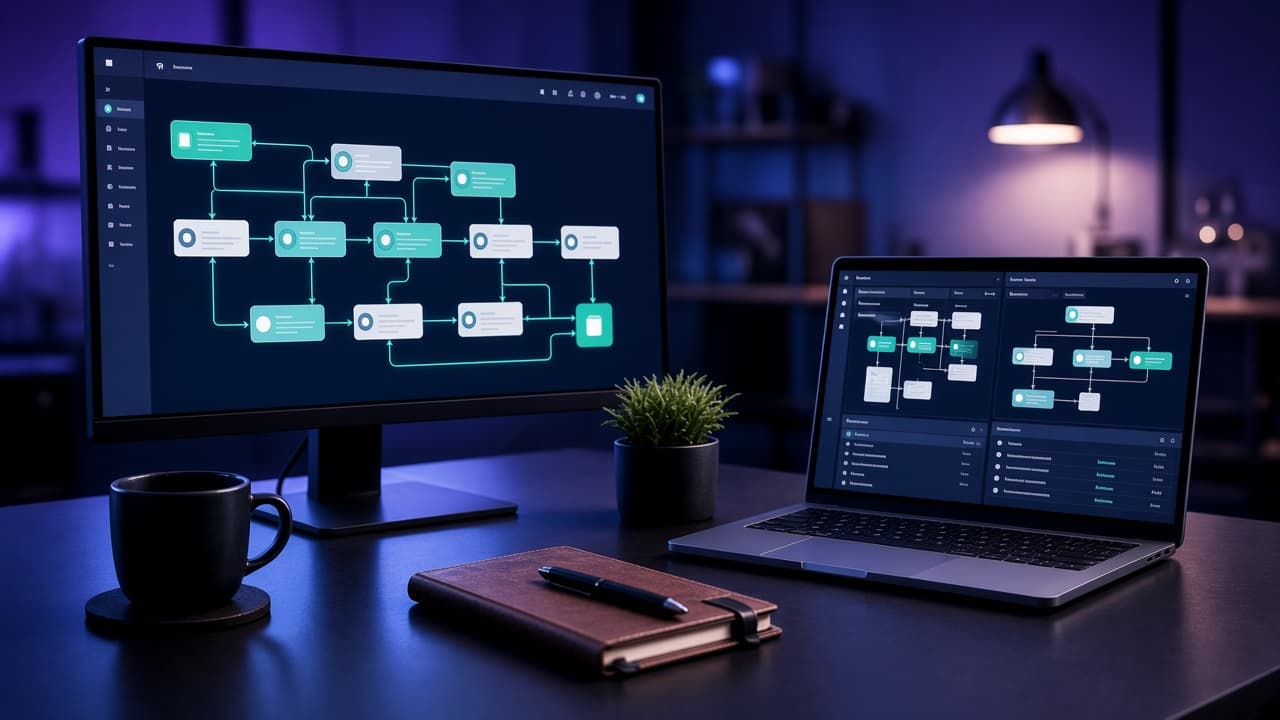
Lead & CRM pipelines
Capture, enrich, route, and notify — so sales and success teams respond with context.
CRMFormsRouting
CODEREYES / SOLUTIONS
We map the handoffs that waste time, then engineer reliable workflows between your CRM, forms, finance tools, and internal systems — without fragile spaghetti.
01The Problem
Copy-paste between tools, reminder emails, and spreadsheet reconciliations quietly tax every team.
The same data is re-entered across CRM, sheets, accounting, and project tools.
Leads and tickets wait on humans to notice — response times become inconsistent.
DIY zaps break when fields change; nobody notices until a customer complains.
Every team adds another app; none of them share a coherent process owner.
Managers cannot see where work is stuck without asking for status updates.
Flashy bots automate the wrong step while the real bottleneck stays manual.
02The Solution
Codereyes starts with process clarity, then implements integrations and workflows with monitoring, ownership, and a path to deeper systems when needed.
Process mapping before any connector is enabled
Reliable integrations with error handling and alerts
Human-in-the-loop where judgment still matters
Documentation so automation is not tribal knowledge
Option to graduate brittle flows into proper software when volume demands it
03Capabilities
From lightweight integrations to workflow platforms nested inside custom systems.
Capture, enrich, route, and notify — so sales and success teams respond with context.
Orders, invoices, inventory signals, and status updates kept consistent across tools.
Timed reminders, escalations, and channel alerts when work stalls.
When no-code tools hit limits, we embed automation inside business software you own.
04Architecture
Triggers, orchestration, systems of record, and observability — so flows are diagnosable.
Triggers
Forms & events
Inbound signals
Schedules
Time-based jobs
Webhooks
System events
Orchestration
Rules & workflows
Business logic
Human approvals
Judgment steps
Systems
CRM / helpdesk
Customer ops
Finance / ERP
Money & stock
Monitoring
Failure alerts
05Technology
We mix integration platforms and custom code based on reliability needs.
Integration
Custom
Systems
Reliability
06How we work
Every engagement follows the same disciplined sequence — so scope stays honest and delivery stays measurable.
Map stakeholders, workflows, constraints, and what success actually looks like for the business.
Turn goals into a scoped solution brief: capabilities, priorities, risks, and acceptance criteria.
Design the system shape — data, integrations, hosting, security, and how it will evolve.
Create information architecture and interfaces that match how people work, not how tools look.
Engineer in iterative slices with reviewable progress, clean code, and production-ready quality.
Connect payments, CRMs, analytics, APIs, and internal tools so the system fits the business.
Ship with monitoring, backups, access controls, and a clear handover for your team.
Improve performance, workflows, and reliability based on real usage — not assumptions.
07Services
Real Codereyes service lines that typically power delivery for this solution.
08Case Studies
Published Codereyes work only — placeholders are marked until CMS content is ready.
Placeholder
Document a real workflow engagement — systems connected, handoffs removed, qualitative impact only.
Placeholder
Publish a second automation story when available. Do not invent client names or metrics.
Browse the full archive of websites, ecommerce, and systems.
View all work09Outcomes
Success is fewer manual steps and clearer ownership — measured against your baseline in discovery.
Data moves between systems without staff acting as the integration layer.
Leads and tickets get routed and reminded according to rules you define.
Broken flows alert someone — they do not fail silently for weeks.
When volume outgrows glue, we already understand the process well enough to build software.
10FAQ
Straight answers about scope, approach, and how Codereyes partners on this solution.
Next step
List the three handoffs that waste the most time — we will show you what to automate, what to leave alone, and what to rebuild.